Expense management
AI Agents for Ramp
Get faster insight from your Ramp instance by deploying AI agents on live expense and card data for analysis, reporting, and planning.

Expense management
Keep spend under control
Concourse connects to expense systems to surface spending patterns and anomalies. Reduces review time while maintaining oversight
10x your output
Get more analysis and reporting done with the team you have
Automate expense reporting
Eliminate manual expense reporting and keep spending visible and controlled
Live expense data
See spend update in real time as expenses, reimbursements, and approvals change
Connect in minutes
Connect your expense data in minutes and instantly start querying your data
Explore Concourse use cases
Use case
Close Management Agent
Get a faster, smoother close without the monthly fire drills
Learn more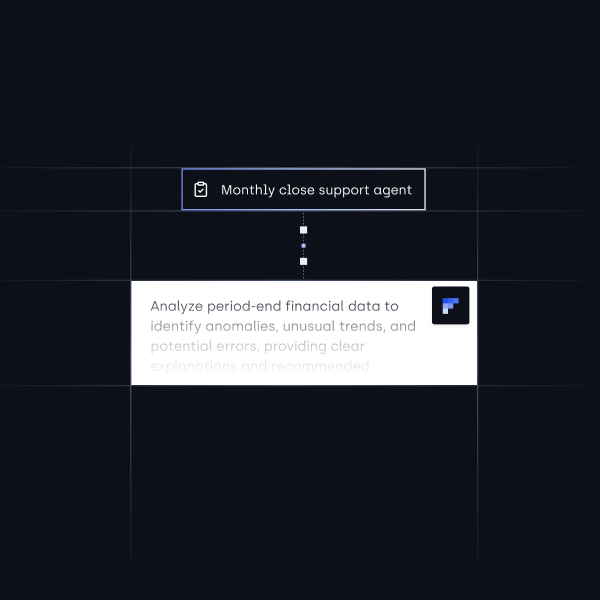
Built to work with your existing stack
Concourse integrates natively with the systems you already rely on, so you can connect data quickly without changing your stack
See how teams use Concourse to eliminate manual work and make better decisions

How CurbWaste cut month end close review time by 2 days and reduced manual work by 75% with Concourse


How Lightmatter streamlined complex financial management and saved 12+ hours monthly with Concourse AI

How Pave cut vendor analysis time by 90% and freed 5+ hours per month with Concourse AI Agents
Finance teams move faster with Concourse
Make better decisions today
Connect your data to use Concourse AI agents
FAQs
How long does it take to connect to Ramp?
Most Ramp integrations connect in under 10 minutes using OAuth or API credentials. No engineering or IT tickets required.
Does Concourse write back to Ramp?
No. Concourse uses read-only access to Ramp. We pull data for analysis but never modify anything in your Ramp account.
Is my Ramp data secure?
Yes. Concourse is SOC 2 Type II certified and uses encrypted, read-only connections with role-based permissions and full audit trails. Your Ramp data stays in your systems, and we don't train models on it. See more information about our security practices here.
Can Concourse analyze Ramp data with other systems?
Yes. Concourse pulls from Ramp and all your other connected systems together so you can run analysis across sources without exporting and stitching spreadsheets.
What if I use a system Concourse doesn't support yet?
You can upload CSVs for any data source, or request a new connector. We're always adding new integrations based on demand. See our full list of integrations or request a new integration by emailing us at hello@concourse.co.